Skins
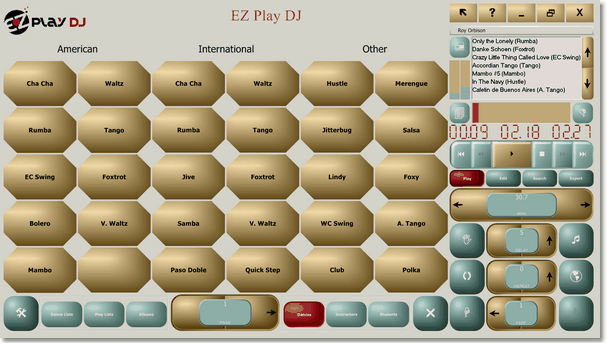
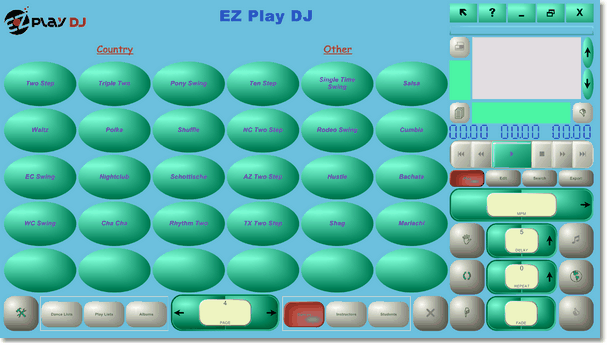
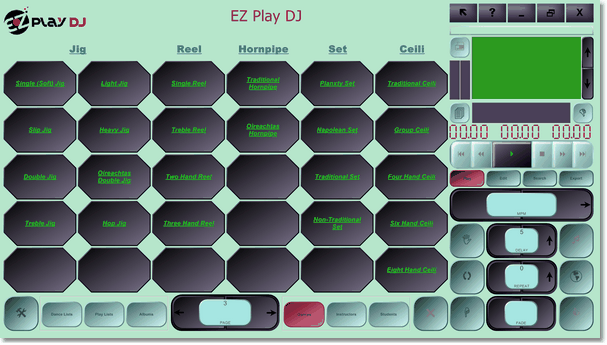
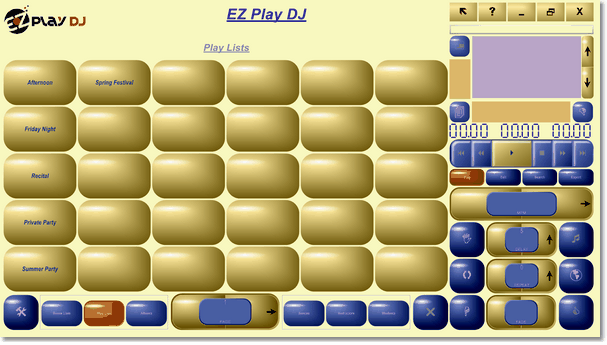
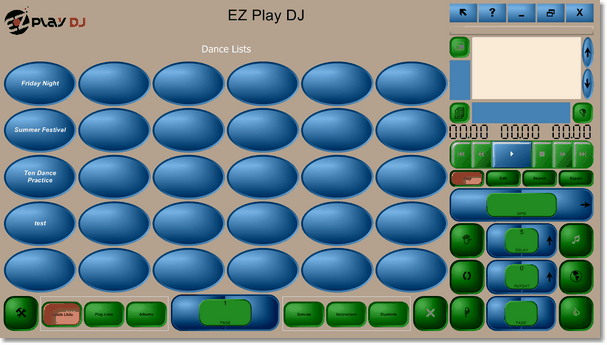
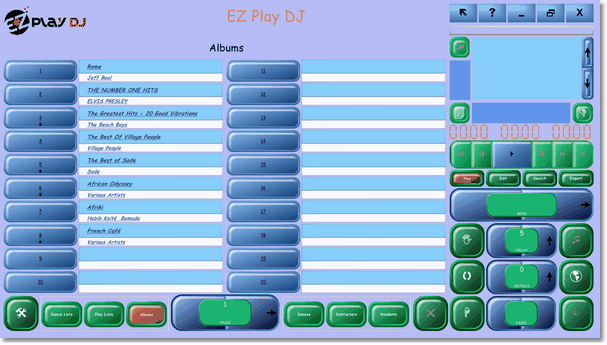
Skins let you customize the appearance of EZ Play DJ. Change colors, fonts, and button styles to create
a look that matches your studio, event, or personal preferences.
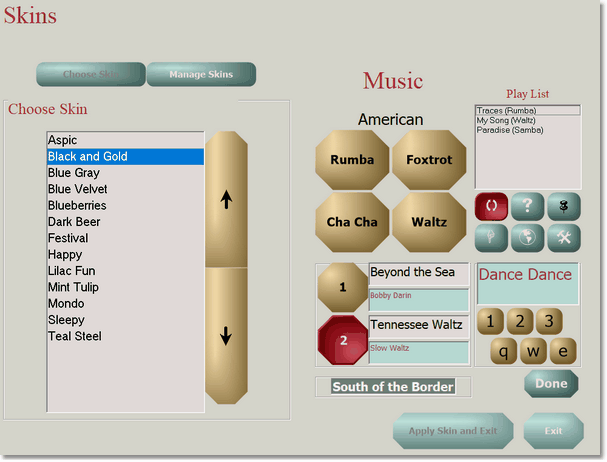
Skin Selector
Choose the appearance that works best for your studio, event, or personal taste. EZ Play DJ
includes several ready-to-use skins, and you can create your own custom designs with the Skin Editor.
Skin Editor
Color Editor - Customize the colors of buttons, text boxes, labels, and backgrounds to
create a look that matches your studio branding, competition theme, or personal preferences.
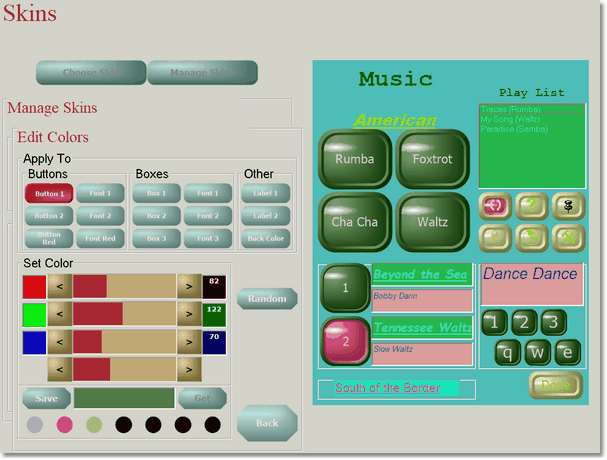
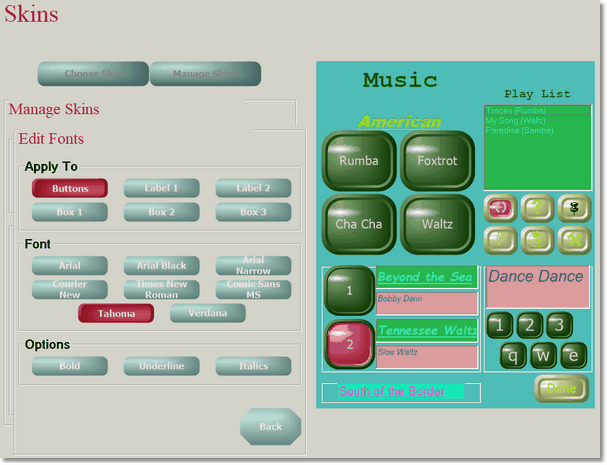
Font Editor - Select different fonts for buttons, labels, and text boxes to improve
readability or create a distinctive visual style.
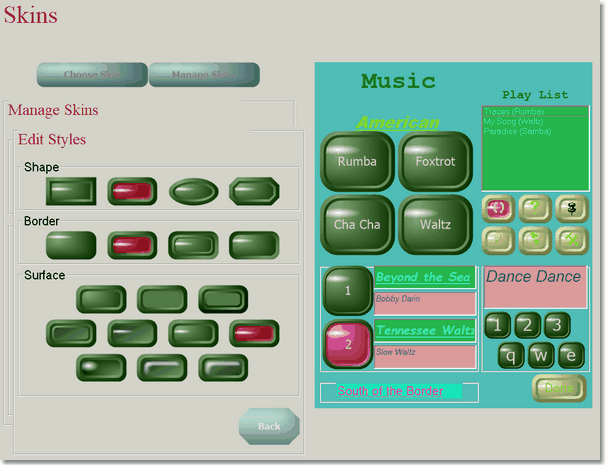
Style Editor - Adjust button shapes, borders, and surface styles to create anything
from a modern professional appearance to a more decorative themed design.